Crypto.com, as its Google-friendly name suggests, is one of the most established and well-known crypto-trading platforms in the world.
It has more than 100 million users, and allows you to buy, sell, trade, and learn about crypto. It also has a number of wallet features where you can store your crypto assets, and that’s what we’ll talk about in this article.
Crypto.com actually has two wallet options, which often confuses newcomers. The app and the onchain wallet have some important differences, and it’s worth getting clear on these before you start using them.
Keep reading to find out how these two wallets differ from each other and which option you should choose.
What Is the Crypto.com App?
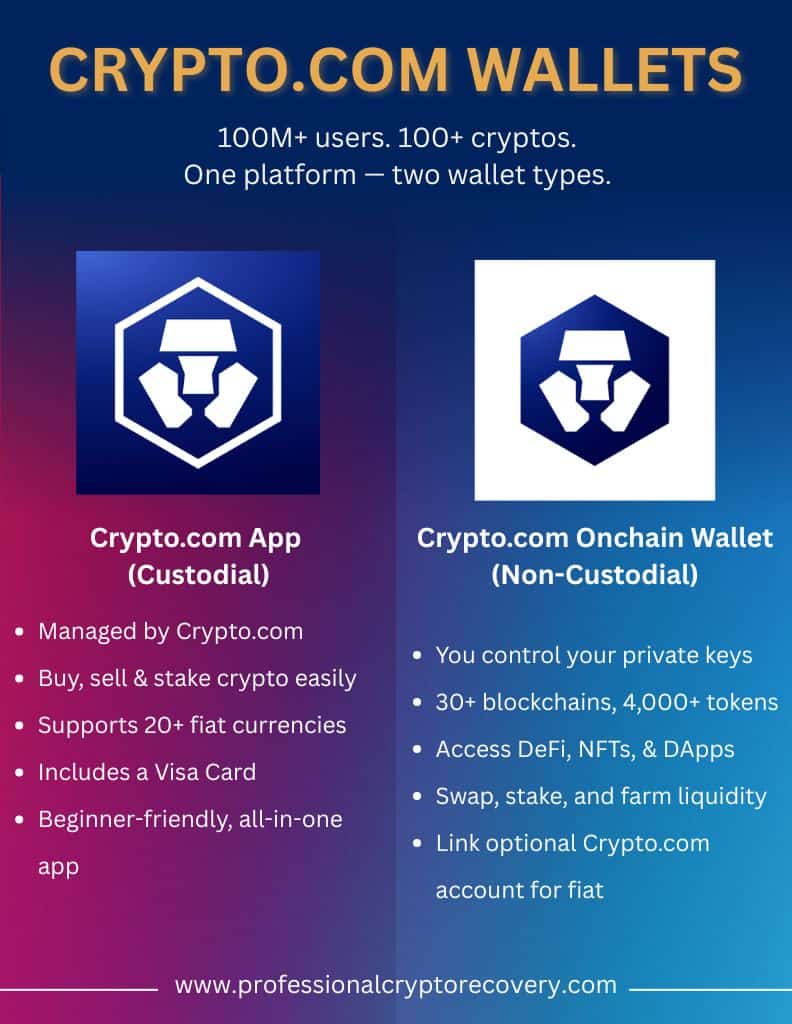
The Crypto.com app is known as a custodial wallet. This basically means that the app manages and controls your private keys on your behalf. You don’t need to worry about remembering that information. You just need to log in to the app to access and manage your funds.
Inside the app, you can buy, sell, and manage hundreds of cryptocurrencies and over 20 fiat currencies. You can also earn money via staking, and even get a Crypto.com visa card, where you get a percentage back every time you spend crypto.
What Is the Crypto.com Onchain (DeFi Wallet)?
The Crypto.com Onchain wallet is a non-custodial wallet. This means you have full control over your private keys and assets. It was launched as the “DeFi Wallet” in 2021 and later rebranded to its current name.
This wallet connects to Web3 and supports 30+ blockchains and 4,000+ tokens. You can swap tokens, take part in decentralized exchanges (DEXs), stake on-chain, farm liquidity, trade NFTs, and use a ton of different dApps.
You don’t need a Crypto.com account to use Onchain, but if you link one, you can access additional features like quick fiat purchases.
Crypto.com App vs. Onchain Wallet: What’s the Difference?
So what are the main differences between the two?
The main difference here relates to custody. With the Crypto.com app, you don’t have control of your private keys, whereas in the Onchain wallet, you do.
Here’s what that means in real terms.
| Feature | Crypto.com App | Crypto.com Onchain |
| Who controls the keys? | Crypto.com holds and manages your private keys, and you only need to worry about your login details. | You hold your private keys on your device, and no third party has access. |
| Security model | Crypto.com manages your security, including your account password and two-factor authentication (2FA). This means you have to trust Crypto.com. If you lose or forget your password, Crypto.com can reset it for you. | Your device is secured by encryption and optional features like 2FA and biometrics. You can also use a hardware wallet. If you lose your seed phrase, nobody can recover your wallet. |
| Support for fiat currency | Fiat wallets and on/off ramps are built into the platform, and you can instantly exchange crypto for fiat. | There’s no native fiat, which means you need to buy crypto externally and send it to your wallet, or link to a custodial wallet. |
| DeFi and Web3 Access | You can’t directly connect to dApps or trade NFTs. Most services are centralized. | Full Web3 access, which means integrated DEX swapping, the ability to stake in DeFi protocols, NFT management, a dApp browser, yield farming, liquidity pools, and NFT marketplaces. |
| Fees | Low fees, often 0% on deposits and exchanges, although you do pay fees on swaps. | No platform fees, but you have to pay blockchain fees (gas) for all transactions, in that network’s native token. |
| User experience | User-friendly, mobile-focused, and good for beginners. You can manage trading, earning, and spending all in one app. | More complex and better for more experienced crypto users. You need to understand concepts like seed phrases and network gas. It’s available as a mobile app, browser extension, and desktop. |
| Recovery | You can easily recover your account through Crypto.com if you forget your password. Your funds are likely safe even if you forget your login. | There is no account recovery. If you lose your private keys or seed phrase, your crypto is gone and cannot be retrieved by anyone. |
Which Option Is Best for You?
Now that we’ve broken down the main differences, it’s time to figure out which Crypto.com DeFi wallet is best for you.
Let’s take a look at the main pros and cons.
Crypto.com App Pros & Cons
Here’s what makes the Crypto.com wallet a great choice:
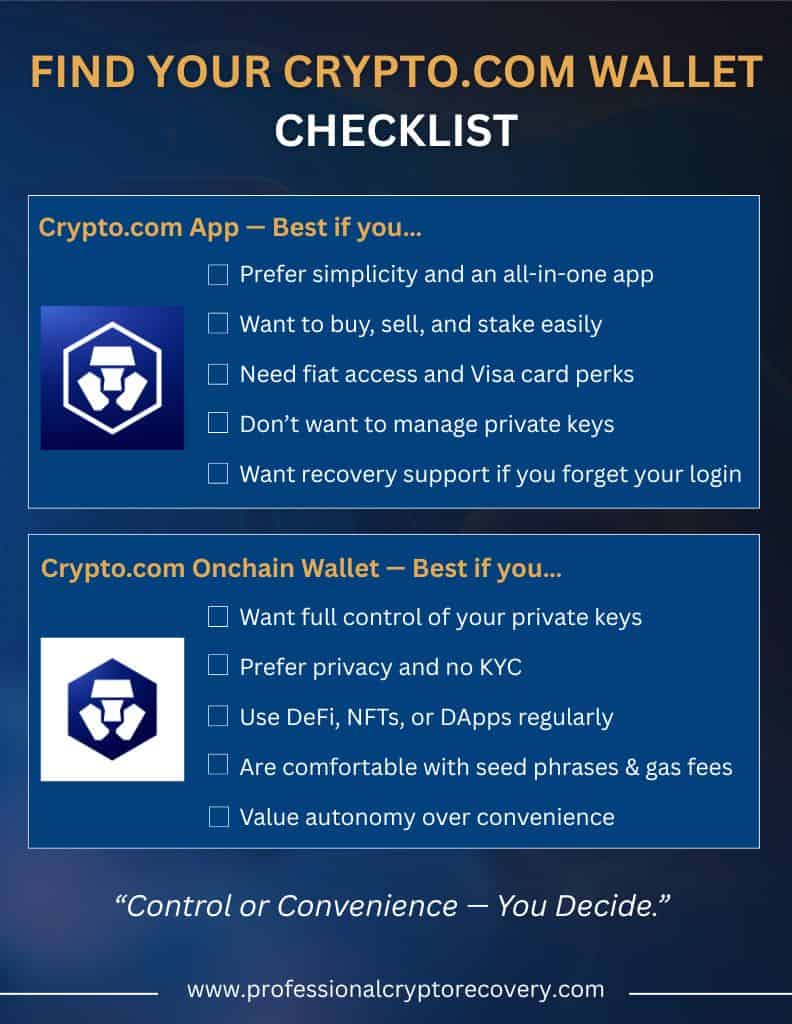
- The biggest pro of the Crypto.com app is convenience. It’s easy to use and access for anyone, even newcomers to crypto.
- You get one interface where you can buy and sell crypto, manage fiat, stake, and spend money with the Visa card.
- You can also transfer instantly between crypto and fiat wallets, and you get built-in market tools and alerts.
- On top of that, Crypto.com will help you recover your account if you lose or forget your login details. Your seed phrases and private keys are handled by the platform.
Now for the drawbacks:
- Since Crypto.com has full control over your keys, you need to trust the platform’s security.
- There’s also a lack of full decentralization, so you can’t use DeFi apps or wallets like MetaMask directly within the app.
- You can’t set your own gas fees or confirmation times, and the platform handles network transactions, which can be slower or more expensive if the platform batches transactions.
- If you care about anonymity, it’s worth noting that account setup requires identity verification (KYC – Know Your Customer), and Crypto.com will store your personal information
Onchain Wallet Pros & Cons
Now, let’s look at the plus points for the Onchain wallet:
- You get full control. You, and only you, hold your private keys.
- You get access to Web3 and DeFi, which means support for token swaps, the ability to stake in decentralized protocols (and earn money), NFT collecting, and decentralized exchanges.
- It’s extremely private. No personal information is required to use Onchain, and transactions happen directly on-chain.
- Information like your balances and history isn’t stored by any company, so there’s less risk of data breaches.
And now for the cons:
- Onchain is complex. There are several steps involved, like importing and exporting wallets, choosing networks, and dealing with gas fees. It’s not beginner-friendly.
- There’s no recovery service if you lose your seed phrase or device. If your seed phrase doesn’t work, a recovery service like Professional Crypto Recovery might be able to help.
- Transactions (like swapping and sending crypto) incur on-chain gas fees. You might also have to wait for network confirmations depending on the chain in question.
- There’s a high level of responsibility involved. You need to take care of your passwords and backups, and there is no native support service to help you recover lost funds. In this case, you’d have to turn to a third-party recover service like Professional Crypto Recovery.
Security Considerations for Both Wallets
The Crypto.com app and Onchain handle security differently, and it’s important to be aware of these differences to safely use each platform.
Crypto.com is responsible for keeping your funds safe on its servers. You need to use two-factor authentication to take any important actions, and remember your login details. However, because it’s a centralized service, your account is vulnerable to hacks or freezes.
Onchain, on the other hand, is decentralized. Your private keys are encrypted and stored on your own personal device. There’s no central service that can be hacked or shut down… but the responsibility to keep your keys safe rests entirely with you.
Let’s talk about protection features. The Crypto.com app supports TOTP 2FA for any logins and withdrawals, and Onchain allows you to set up device encryption, biometrics, and even optional 2FA for the wallet app. Onchain also allows you to connect a hardware wallet.
Here are some basic security best practices:
- For the Crypto.com app, make sure to set a strong and unique password and set up 2FA. Keep your email and phone number updated for account recovery, and stay vigilant for phishing scams (Crypto.com will never ask you for your 2FA code or password).
- For Onchain, you need to write down your seed phrase on paper (or metal) and store it offline in multiple safe places. Don’t take screenshots or store them digitally. Follow best practices for security on your device, like setting a PIN and using biometric locks, and keep your wallet app and phone OS up to date.
- For both wallets, make sure to only use official app downloads. Avoid public WiFi networks when you access your funds, and carefully review all transaction details before you approve anything.
Where Does the Crypto.com Exchange Fit In?
The Crypto.com exchange is a trading platform that exists separately from the app and the Onchain wallet.
It’s built for people who actively trade crypto and allows you to trade more than 200 cryptocurrencies. It has a desktop interface as well as an app, where you can see charts, limit orders, and derivatives.
Like the app, the Crypto.com exchange is custodial, and the platform holds any assets you deposit there. You’ll need to sign up for a Crypto.com exchange account and complete KYC identity checks before trading.
Remember that the exchange is not a personal wallet. You can transfer funds between the Crypto.com app and the exchange for free, but you shouldn’t be storing funds on the exchange long-term.
Crypto.com App vs. Onchain Wallet: Which One is For You?
The Crypto.com app and Onchain wallet are two very different ways to store and manage your crypto assets.
Ultimately, the one you choose will depend on your personal preferences. If convenience and ease of use are important to you, or if you’re a newcomer to crypto, the app offers a user-friendly and feature-rich way to handle your funds.
If security and anonymity matter more, and you’re comfortable with more advanced features and concepts, the Onchain wallet gives you much more DeFi and Web3 integration, and a high level of privacy.
In the chance you lose access to your funds, remember that not all hope is lost. Here at Professional Crypto Recovery, we specialize in helping crypto users recover lost funds. Get in touch with us to learn more.
FAQs (Frequently Asked Questions)
What is the difference between Crypto.com Onchain and DeFi?
Crypto.com Onchain is a non-custodial wallet where you can store your crypto funds while maintaining full control over your private keys. DeFi is short for Decentralized Finance, which refers to the broader ecosystem built on blockchain and cryptocurrency.
Is the Crypto.com DeFi wallet good?
Yes, the Crypto.com wallet is a well-established platform used by millions of people. It’s secure, user-friendly, and packed with features to help you store and manage your crypto assets.
Can I use both the Crypto.com App and Onchain Wallet?
Yes, you can use both. They have different pros and cons: for example, the Crypto.com app is more convenient and beginner-friendly, while the Onchain wallet is more private and offers better DeFi integration.
Is the Crypto.com Onchain Wallet safe?
The Onchain wallet is very safe, especially when used via the mobile app. Your funds are not stored centrally, which reduces the risk of data breaches or freezes. However, you need to keep your private keys and seed phrase safe, or you’ll be unable to access and recover your funds.