Cardano is home to a growing decentralized finance (DeFi) scene. Anyone seeking a reliable wallet for this ecosystem will find a compelling option in Daedalus. It’s the blockchain’s official wallet, created and maintained by the core development team.
Daedalus lets you store $ADA, NFTs, and other native Cardano tokens issued on the platform. You can also use it for staking and governance voting. It is essentially Cardano’s core wallet. It’s suitable for anyone looking to deepen their participation in that ecosystem.
Here is everything you need to know about it, from download and installation to recovery and troubleshooting.
Introduction to Daedalus Wallet
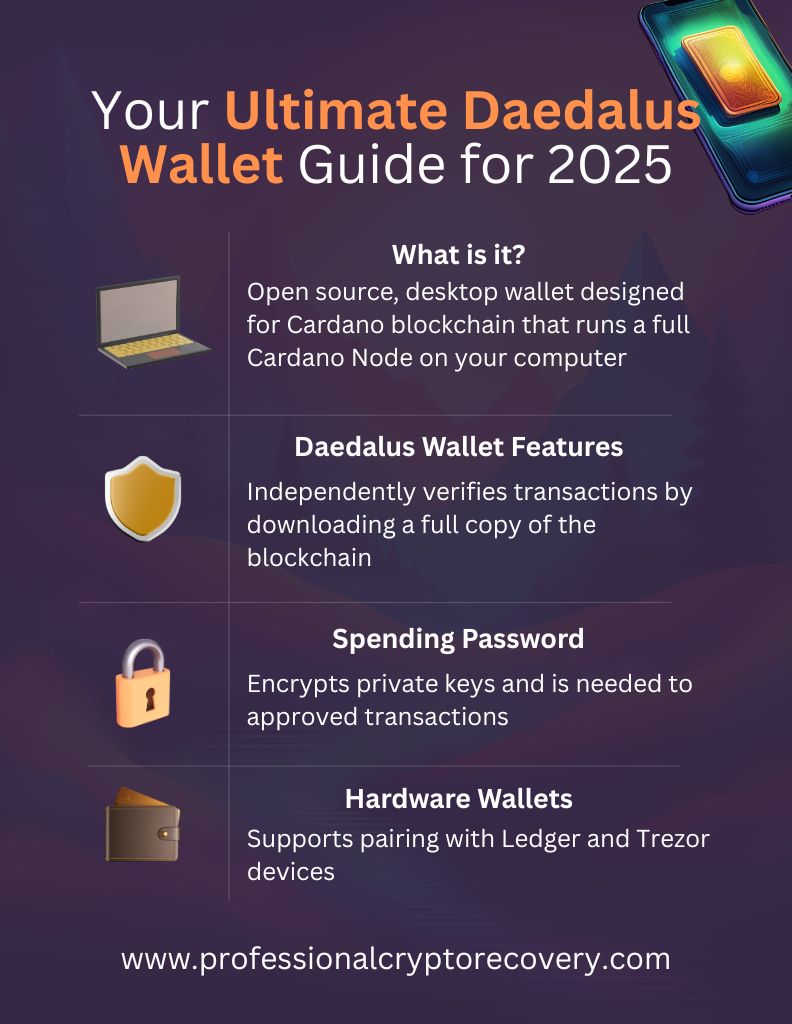
Daedalus is an open-source wallet designed for the Cardano blockchain. It was developed by Input Output Hong Kong (IOHK) and launched in 2017 alongside the network’s mainnet. IOHK is a blockchain research and development company developing the Cardano platform. Its members make up the core Cardano engineering team.
Daedalus is a desktop-only wallet. It is supported on Windows, macOS, and Linux. There is no mobile or browser version of the wallet because, as a full-node wallet, it requires a complete copy of the blockchain saved on the computer to work.
So, as you use the Daedalus wallet, you’re running a local node and can participate in Cardano’s consensus mechanism. The intensive process requires resources that are typically only available on a desktop. You need:
- Storage the size of Cardano. Up to 300 GB for the full blockchain, which will be downloaded after you install the application.
- A good chunk of memory. The node must regularly sync with the rest of the network, which consumes significant memory. You need at least 24 GB of RAM, though it’s recommended you bring 32 GB to the table.
You’ll receive a 24-word recovery phrase containing the keys you need to manage your assets. The wallet doesn’t store a copy of the phrase, meaning that full control and responsibility are yours.
Daedalus Wallet Features
Security Features
- Trustless: Daedalus runs a full Cardano node locally. It downloads a full copy of the blockchain and uses it to verify transactions independently. This maximizes security by eliminating the need for third-party servers.
- Spending password: You can set a spending password that encrypts your locally stored private keys. The password will be required before an outgoing transaction can be approved to protect your $ADA from unauthorized spending.
- Hardware wallet integration: Daedalus supports pairing with Ledger and Trezor hardware wallets. Cold wallets add an extra layer of protection by allowing you to manage your keys offline.
Backup and Recovery Features
- Mnemonic seed: Daedalus generates a mnemonic when you generate a new wallet. This mnemonic consists of 24 words and fully encodes all addresses and keys associated with the wallet, allowing you to restore it on any computer.
- Recovery phrase verification: Daedalus has a tool you can use to verify whether you have the correct seed phrase. The wallet warns you if you haven’t verified your mnemonic for 6+ months, though you’re not required to do so.
If you’re sure you have the correct recovery phrase, nothing will happen if you ignore this warning. This is just a tool you can use if you ever need confirmation.
- Restore old paper wallets: Older versions of the Daedalus wallet allowed users to generate paper wallets. This feature is no longer available, but the application allows users to restore legacy Byron-era paper wallets.
Usability Features
- Multi-wallet and multi-account support: You can create an unlimited number of wallets/accounts in one Daedalus application. Each wallet is independent and has its own seed phrase, private keys, and transaction history.
- Built-in staking and voting UI: Daedalus integrates Cardano staking and on-chain governance. It allows users to delegate ADA to stake pools directly from the wallet. There is also a voting tab that allows you to contribute to the project’s governance.
- Newsfeed: Daedalus features a built-in newsfeed that delivers updates and announcements directly in the user interface (UI). Based on importance, news is delivered in the newsfeed sidebar on the right or takes up the whole screen.
- Personalization: You can customize the look of your Daedalus wallet based on your tastes and preferences. The wallet offers six different themes to choose from.
Combined, all of Daedalus’s features create a robust platform for anyone looking to participate in Cardano’s ecosystem beyond just holding $ADA. You get an application that turns your computer into a full Cardano node, expanding the decentralized network. You can also stake your $ADA to become a validator and take part in governance votes.
So, how does Daedalus compare to other Cardano wallets?
Daedalus vs Other Cardano Wallets
Here is a brief description of other popular Cardano wallets to give you an idea of how they compare to Daedalus.
- Yoroi: A light wallet developed by Emurgo for browser and mobile. It doesn’t require downloading the entire blockchain, making it easier to set up and use. It also supports ADA staking and works with hardware wallets.
- Lace: A lightweight Cardano wallet focused on NFT and dApp integration. It is developed by the Cardano team for desktop and browser, where it provides a dApp connector, NFT gallery, and fiat on-ramps.
- Nami: An $ADA browser wallet designed to work natively with Cardano-based smart contracts and dApps. It is built for NFTs and DeFi interactions directly from your browser tab. It also supports staking and Ledger hardware wallet connectivity. It has been acquired by Lace.
Getting Started With Daedalus Wallet
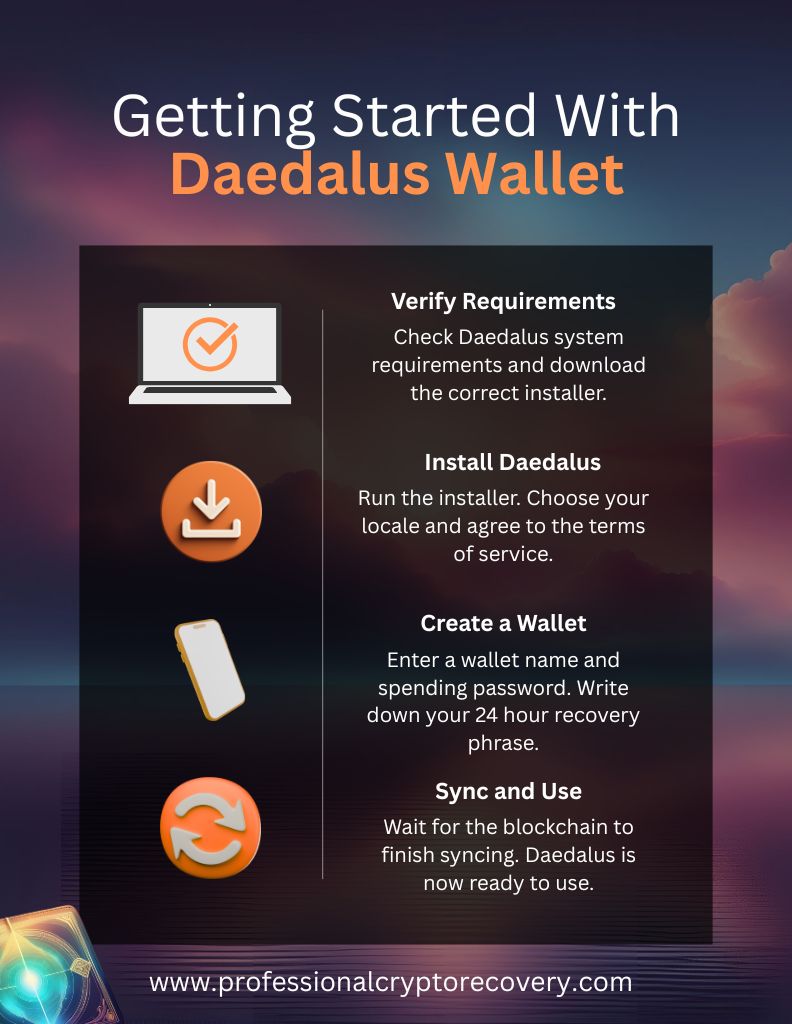
Daedalus is supported on all major desktop platforms. To get started, verify that your computer meets the requirements for running the application. Daedalus states the following system requirements for running the wallet:
- Windows 10 and Windows 11, with only 64-bit Windows being supported
- MacOS≥10.15, 64-bit (which includes Sequoia, Sonoma, Ventura, Monterey, Big Sur, Catalina)
- Debian, Arch, and RPM-based Linux are supported
The minimum hardware requirements are:
- 64-bit dual-core processors
- Minimum of 24 GB RAM, 32 GB recommended
- 200-300 GB of drive space. Note that the application’s size increases as more data is added to the blockchain.
- Broadband internet connection
If you meet all the requirements, you can proceed to download the latest installer for your operating system. That can be found on the wallet’s download page. But before you download anything, ensure you’re on the correct URL to protect yourself from unknowingly adding malware to your files.
How to Install Daedalus Wallet
Run the installer and follow the on-screen prompts to complete the installation. Once installed, you can launch the setup application.
On first launch, you’ll be asked to set your language, date/time format, and number format, and agree to the Daedalus terms of service. Once you do, the wallet will take you to the dashboard and begin downloading and then synchronizing with the blockchain.
Syncing is required to start using the wallet. You’ll need to be patient, especially the first time, which can take days. Meanwhile, the dashboard presents you with four options on first launch.
- Create a new wallet
- Pair a hardware wallet
- Restore an existing wallet
- Import wallets
Creating a Wallet
Choosing this option lets you create a new wallet with fresh private keys and a blockchain address. To begin, click on Create from the dashboard. You’ll need to give the wallet a name for identification, since you can create an unlimited number of wallets.
Next, Daedalus will ask you to set your spending password. You will need to enter it each time you send $ADA, register for voting, or delegate to a staking pool.
Daedalus doesn’t offer a recovery mechanism for this password because the wallet is non-custodial. The only way to reset it is by using your recovery phrase to restore the wallet. So, make sure to select a strong, memorable password to avoid future inconveniences.
Once you’ve confirmed your password, click on Create Shelley Wallet. The app will display instructions on basic mnemonic safety before giving you your 24-word phrase.
That phrase is your lifeline. It will give you the means to recover your wallet if your computer is lost, broken, stolen, or stops working. Write it down and keep it offline and safe. You’ll then be asked to verify the mnemonic by typing it in a dialogue box.
Once you do that, your new Daedalus wallet is ready to use.
Daedalus Wallet Pros and Cons
Daedalus Wallet has the following benefits:
- Maximum security and decentralization due to its full-node design
- It is developed and maintained by Cardano’s core team
- Local wallets and keys give you full control of your funds
- Let’s you participate in governance and transaction confirmation
On the flipside, there are a few cons to consider:
- Its full-node design makes it resource-intensive
- It is only available on desktop
- Its full-node design is complex, making it less beginner-friendly
Common Issues and Troubleshooting Tips
You may encounter some issues when using Daedalus.
1. Synchronization Issues
Daedalus stores a local copy of Cardano and updates it by regularly syncing with the rest of the network. In some cases, however, synchronization stops for an extended period. This happens if:
- Your machine no longer meets the minimum requirements. Your internal storage is full, or memory resources are constrained. So, verify that your computer meets Daedalus system requirements. If so, the issue lies in your blockchain data.
- Local blockchain copy is corrupted. Corrupted blockchain data will interfere with the wallet’s functionality. Fortunately, it’s an easy fix. You just need to delete and restore the blockchain data.
2. Clock Errors
If the time on your computer is incorrect, Daedalus cannot connect to the network. The error displays a red screen indicating a problem with your computer’s time. You need to update your time and date settings to the correct values.
This is accomplished by toggling on the automatically set date and time option in your device’s settings.
3. Startup Problems
Some users report that the application does not start when launched. It’s an issue that could be a problem with how you are trying to launch the wallet.
On Windows, always launch Daedalus using the installer-provided shortcut and run as Administrator if needed. If you’re on macOS, ensure the app has the proper permissions, or try opening it via Terminal. If Daedalus won’t open, reinstalling and syncing could fix the issue.
4. Lost Spending Password
Your spending password protects your $ADA from unauthorized spending. If you lose it, the only way forward is to restore your wallet using its recovery phrase, then set a new password.
5. Seed Phrase Issues
If you lose your seed phrase, there’s nothing you can do to recover it. The best-case scenario is that you still have your spending password, which will allow you to move assets to a different wallet, preferably one whose seed phrase you have.
But what if you’ve lost your spending password but have an incomplete seed phrase or a complete but invalid one? You’ll need to look for a crypto recovery professional.
Professional Daedalus Wallet Recovery
Whether you’re trying to access funds from old Daedalus versions, are dealing with corrupted or missing wallet files, or have an incomplete/invalid seed phrase, your best hope is in a wallet recovery expert when conventional Daedalus Wallet recovery attempts fail.
Professional Crypto Recovery has been helping people recover their crypto wallets for years. Backed by 2+ decades in IT and Data Recovery, our service is efficient, effective, and accessible at the best rates in the market. If you’re unable to access your assets in your Daedalus Wallet, contact us now to begin recovery.
Frequently Asked Questions
Daedalus is a full-node wallet for the Cardano blockchain. In addition to letting you manage and transact $ADA, it turns your computer into a node. It requires a full copy of the Cardano blockchain to work.
Download the installer from the official download page and run it. That will install Daedalus on your device. But before you do, make sure your computer meets the system requirements.
You can recover your Daedalus wallet using its recovery phrase or by importing it from the Daedalus state directory. But if doing it alone is impossible, seek the services of a crypto recovery expert.
The Daedalus Wallet notifies you when an update is available. You can approve the update in-app or manually download the latest version, which will automatically update when you open the launcher.