Bitcoin Core is one of the more popular crypto wallets among Bitcoin enthusiasts. However, it is not a regular app, or even an app at all. It’s called a core wallet. It also serves as the official client software for Bitcoin. Running Bitcoin Core converts your computer into a node on the Bitcoin blockchain.
It entails a fair number of responsibilities, the biggest of which is securing a file called wallet.dat. Wallet.dat is a small but crucial data file central to the ownership and security of assets associated with your Bitcoin Core address.
Here’s a deep dive into the file: what it is, how it works, and how to secure it.
What Is Wallet.dat?
Being a core wallet, Bitcoin Core differs significantly from the average crypto wallet. One major difference is in how it handles its cryptographic keys.
The average non-custodial wallet, like Trust Wallet, Rabby Wallet, or MetaMask, gives you your private keys. This happens during wallet creation when you receive a mnemonic phrase of 12-24 words. Some wallets store the phrase (also known as the seed phrase or recovery phrase) locally, allowing you to reveal and back it up anytime.
Bitcoin Core takes a completely different approach. For one, it doesn’t generate a mnemonic representation of your keys. These are stored in the Wallet Import Format (WIF) in a locally stored data file. You can access and back up this file and use it to restore your Bitcoin Core wallet.
This is the wallet.dat file. It is a data file that stores Bitcoin Core public and private keys, along with other sensitive information related to the wallet. It is created during wallet setup, and its default location varies by operating system.
On Windows, the default location is:
C:\Users\<username>\AppData\Roaming\Bitcoin
On macOS, you’ll usually find it in:
~/Library/Bitcoin
Linux users will find it in:
~/.bitcoin
How Does Wallet.dat Work?
Wallet.dat is a data file that stores various information, with the most important being your public and private keys.
Your Bitcoin Core’s public keys are its public address on the Bitcoin blockchain. It’s the address other parties use to send you Bitcoin (BTC). It doesn’t grant any special permissions regarding access to or ownership of your assets, and can be shared freely with anyone in the ecosystem.
Public keys are cryptographically linked to private keys, which are highly sensitive. Private keys prove ownership of funds linked to a particular Bitcoin address. They are used to sign off on transactions, giving the holder complete access and control of the assets associated with their corresponding public keys.
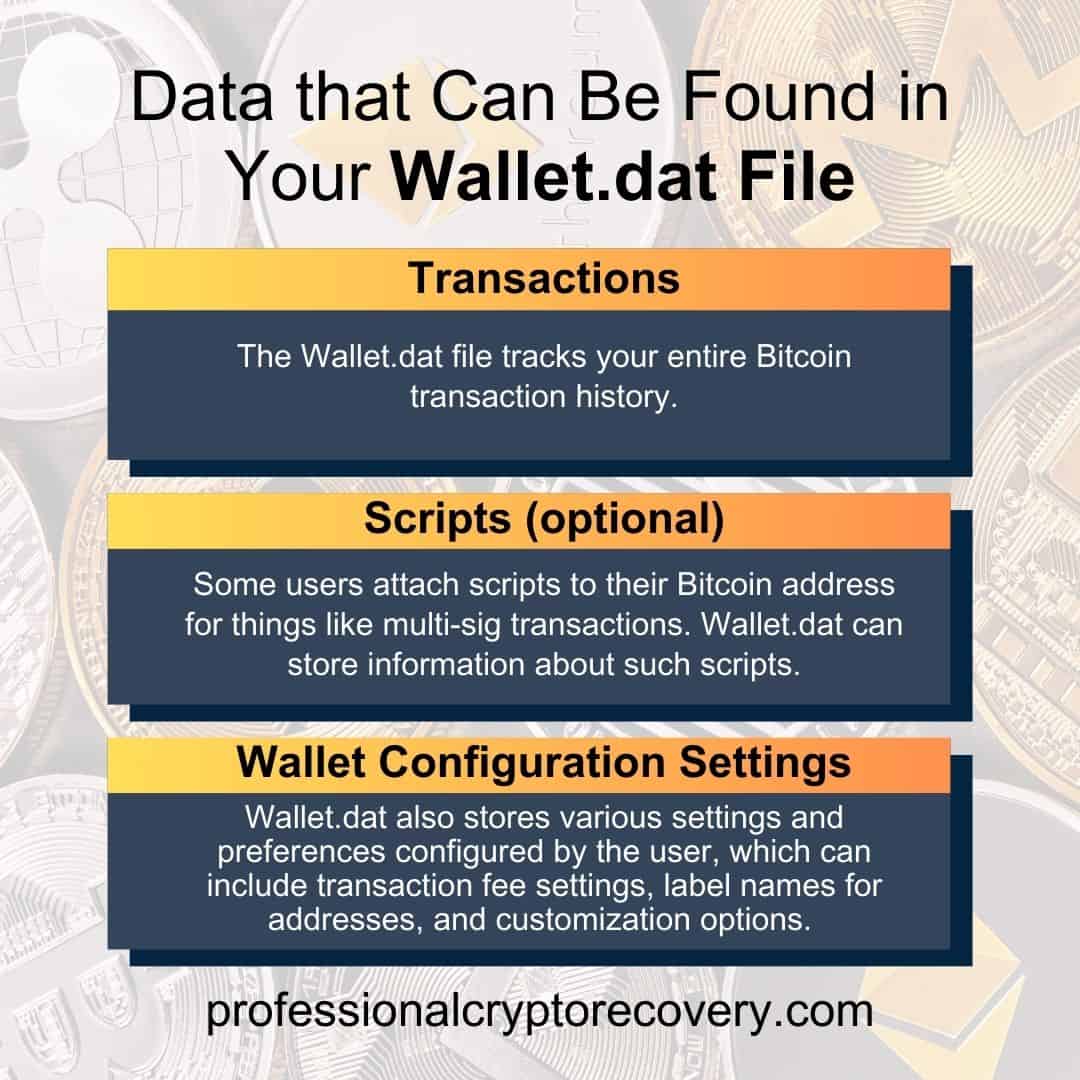
Other data that can be found in your wallet.dat file includes:
- Transactions: The wallet.dat file meticulously tracks your entire Bitcoin transaction history. It records every sent and received amount as it occurs. It provides a clear audit trail of your Bitcoin activity, allowing you to monitor your BTC holdings and review past transactions.
- Scripts (optional): Some users attach scripts to their Bitcoin addresses for multi-signature transactions, i.e., transactions requiring multiple authorization signatures. The wallet.dat file may store information about such scripts, such as the public keys involved and the conditions required to spend funds.
- Wallet configuration settings: Wallet.dat also stores user-configured settings and preferences. These can include transaction fee settings, address label names, and other customization options.
Your Bitcoin Core’s private keys are the crown jewels of your Bitcoin security. Without them, you would be unable to access or transact any BTC linked to your Bitcoin address. Similarly, anyone who has them can access and transact with your assets without your permission. It’s the presence of these keys in the wallet.dat file that makes securing it so important.
Now…how do you do that?
Wallet.dat Security
Bitcoin Core takes the security of your keys seriously. It comes with built-in encryption, an optional but highly recommended security feature to safeguard your wallet.dat file.
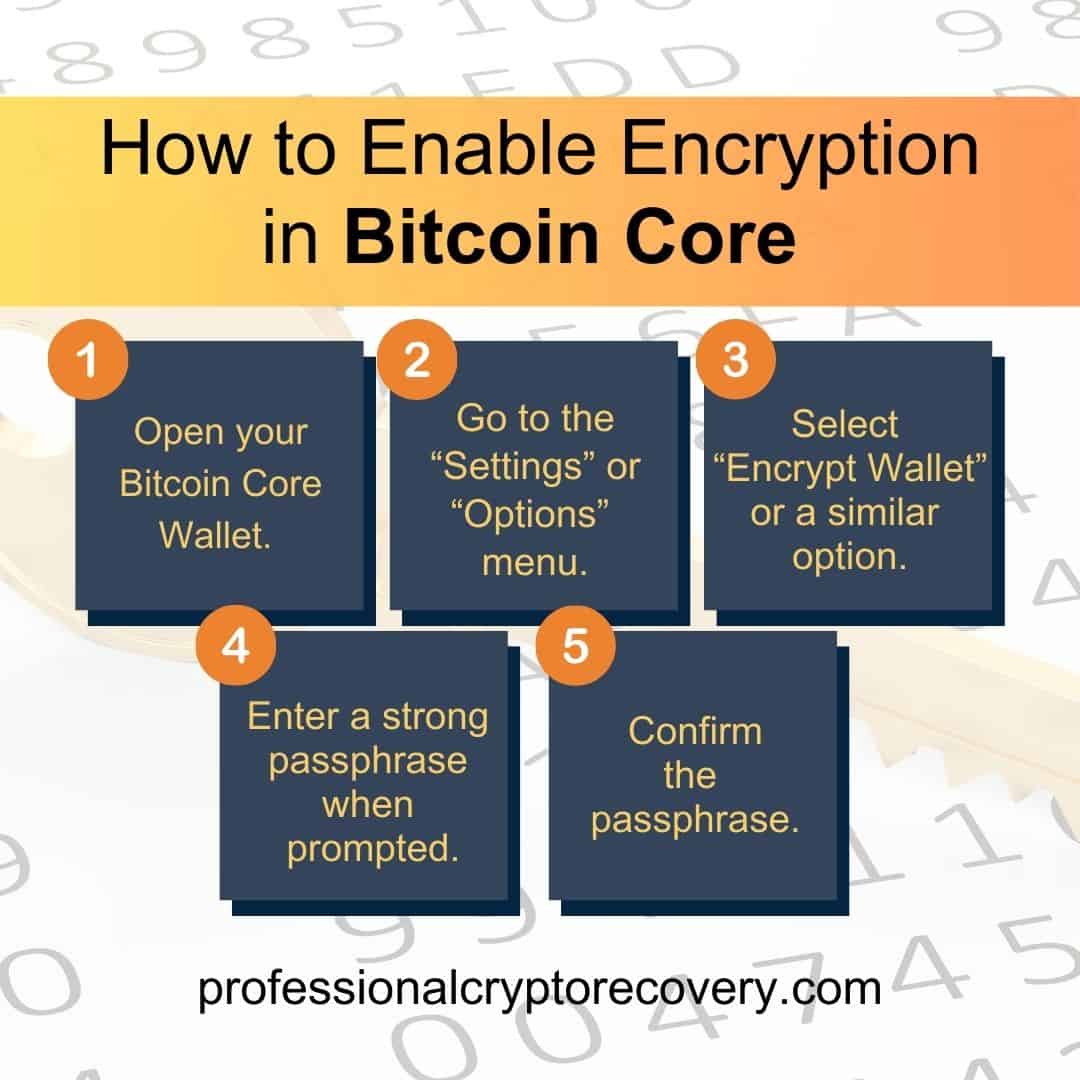
Bitcoin Core lets you encrypt your wallet.dat file with a passphrase. Doing this ensures anyone who gets their hands on the file cannot use it to steal your assets.
To enable encryption in Bitcoin Core:
- Open your Bitcoin Core wallet.
- Go to the “Settings” or “Options” menu.
- Select “Encrypt Wallet” or a similar option.
- Enter a strong passphrase when prompted.
- Confirm the passphrase.
After that, you must enter the passphrase every time you want to perform certain actions in Bitcoin Core. These include any calls that interact with the private keys, like sending BTC.
However, encryption alone is not enough. You’ll also want to regularly back up your wallet.dat file to protect it from threats such as hardware failure, malware attacks, and accidental deletions. These backups act as a safety net, allowing you to recover your Bitcoin wallet even if disaster strikes.
Generally, you want to use an external hard drive or USB flash drive to store your backups. Keep the device in a secure location separate from your computer so you can access this backup even if your computer malfunctions or is stolen.
Cloud storage may seem fine, but the internet is far from the best place to store something as sensitive as your wallet’s keys. Storing anything online makes it vulnerable to hackers.
In this case, anyone who gets your cloud account’s password can access the file containing your private keys. Such a file isn’t 100% safe, even if it’s encrypted. A hacker might be able to brute-force the passphrase and open it.
Common Wallet.dat Issues and Solutions
Unfortunately, some users experience Bitcoin Core issues stemming from their wallet.dat files. Here are some common problems and the corresponding troubleshooting tips:
Corrupted Wallet.dat
Sudden computer shutdowns, malware infections, or disk errors can corrupt the wallet.dat file. This can manifest in various ways, such as unexpected transaction errors, balance discrepancies, or your wallet failing to open.
To solve it:
- Restore Backup: If you have a recent backup of your wallet.dat file, you can restore your wallet and retrieve your Bitcoin, making regular backups the unsung hero of the crypto world.
- Data Recovery Software: If you don’t have a backup, data recovery software might be able to salvage a corrupted wallet.dat file. However, there’s no guarantee of success. You’ll also want to use such software with caution, as it might further damage the file.
- Professional Data Recovery Services: Without a backup, it’s best to consider professional data recovery services. That involves contacting a crypto and data recovery expert, like us, to fix the corruption.
Forgotten Wallet.dat Passphrase
Some users who encrypt their wallet.dat files end up forgetting the password or passphrase used. If that happens, the user will be unable to access their wallet or use their funds.
If you find yourself in this situation, there isn’t much you can do outside of recovering the password.
You can wriggle your way out of the problem if you have a backup of your wallet.dat file with a remembered password. If you don’t, you’ll need the services of a professional Bitcoin recovery expert.
Need Help Recovering Wallet.dat?
Your Bitcoin Core installation will malfunction if its wallet.dat file is corrupted. If you have a corrupted wallet.dat file or an encrypted wallet.dat file whose password you don’t remember, you’ll need to recover it before you can use your wallet. It is a hard task, but fortunately, not one you have to do alone.
Professional Crypto Recovery is a crypto and data recovery firm that has been helping crypto users recover their wallets and assets since crypto’s early days. Drawing on more than 20 years of experience in the IT industry, our process is quick, efficient, and among the most affordable on the market.
Contact us now to begin your wallet.dat recovery.